
Tips for success
Three habits that bring in more assessments and help more patients book.
Promote your free smile assessment
The more places patients see your offer, the more photos you'll receive. Don't rely on the floating button alone.
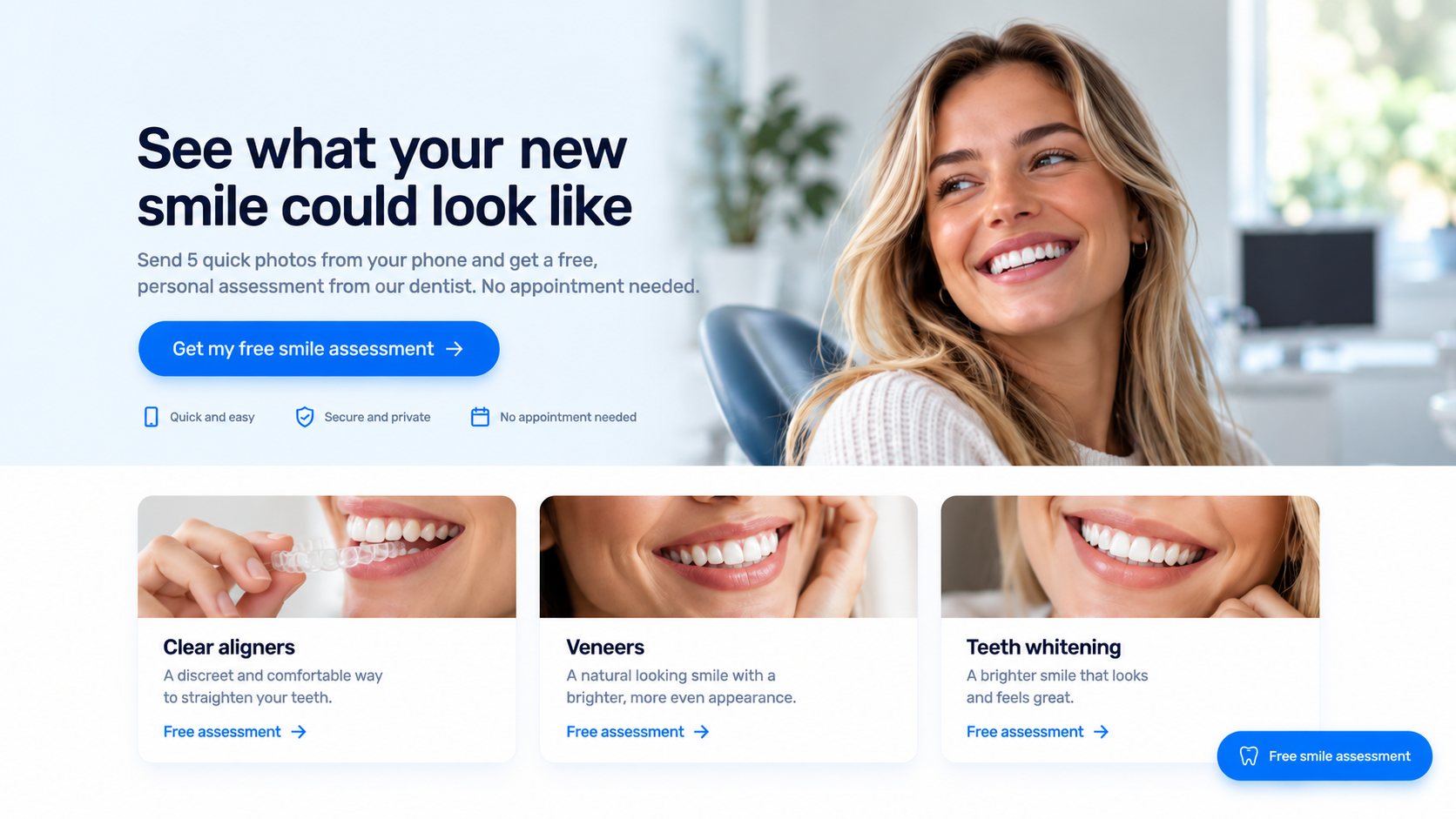
- The floating button: the Free smile assessment button in the bottom corner of every page. Add it with step 1 of the embed code in Practice Settings.
- Your homepage banner: add a button such as Get a free smile assessment to your main banner.
- Treatment pages: add a button to pages like clear aligners, veneers and whitening, where patients are already thinking about their smile.
- Your menu and contact page: a short link such as Free assessment in your top menu.
To make any button or link open the form, add step 2 of the embed code to your website, then set the button's link to #smile_assessment. See Adding the smile assessment form to your website.
Show your results
Patients book when they trust you. On Social Proof, add:
- Reviews: a few short reviews from real patients.
- Your numbers: your star rating, number of five-star reviews, patients served and years of experience.
- Before and after photos: tagged with the treatment, so patients see real patient results from the treatment you're recommending.
They appear in the patient portal, beside the patient's own consultation.
Reply quickly
Patients are most interested in the first day or two after they send their photos.
- Grade new assessments within a day.
- Keep your email alerts on in Practice Settings, so you know the moment a new assessment, booking request or message arrives.
- Answer Messages and Booking requests promptly. A quick reply is often what turns interest into a booking.
Still stuck?
Contact supportMessage us from your dashboard and we’ll get back to you as soon as possible.