
The smile assessment form in a group
A group has two kinds of smile assessment form: one for the whole group and one for each location. Use whichever suits each page of your website, or both.
The group form
Use it on a website that covers all your clinics. On the last step, it asks the patient which location they'd like.
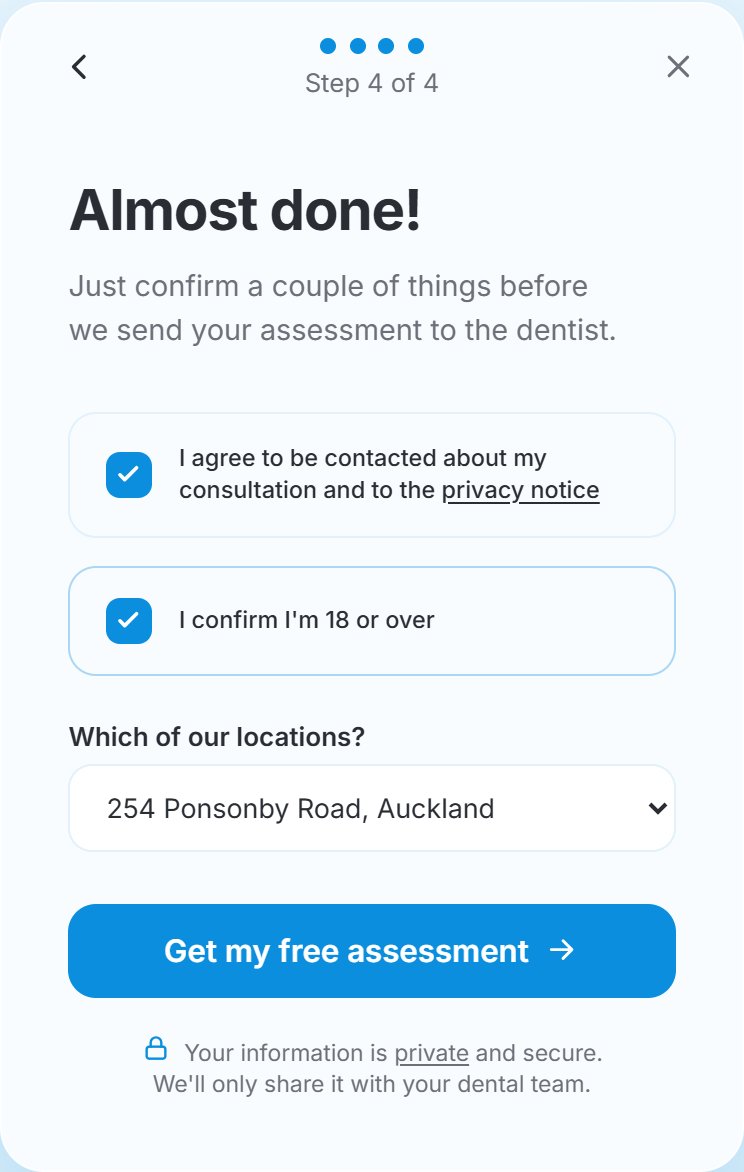
Each location is listed by what you entered in Patients will see when you added it, which is its address unless you changed it. Only open locations are shown. To change it, see Edit a location.
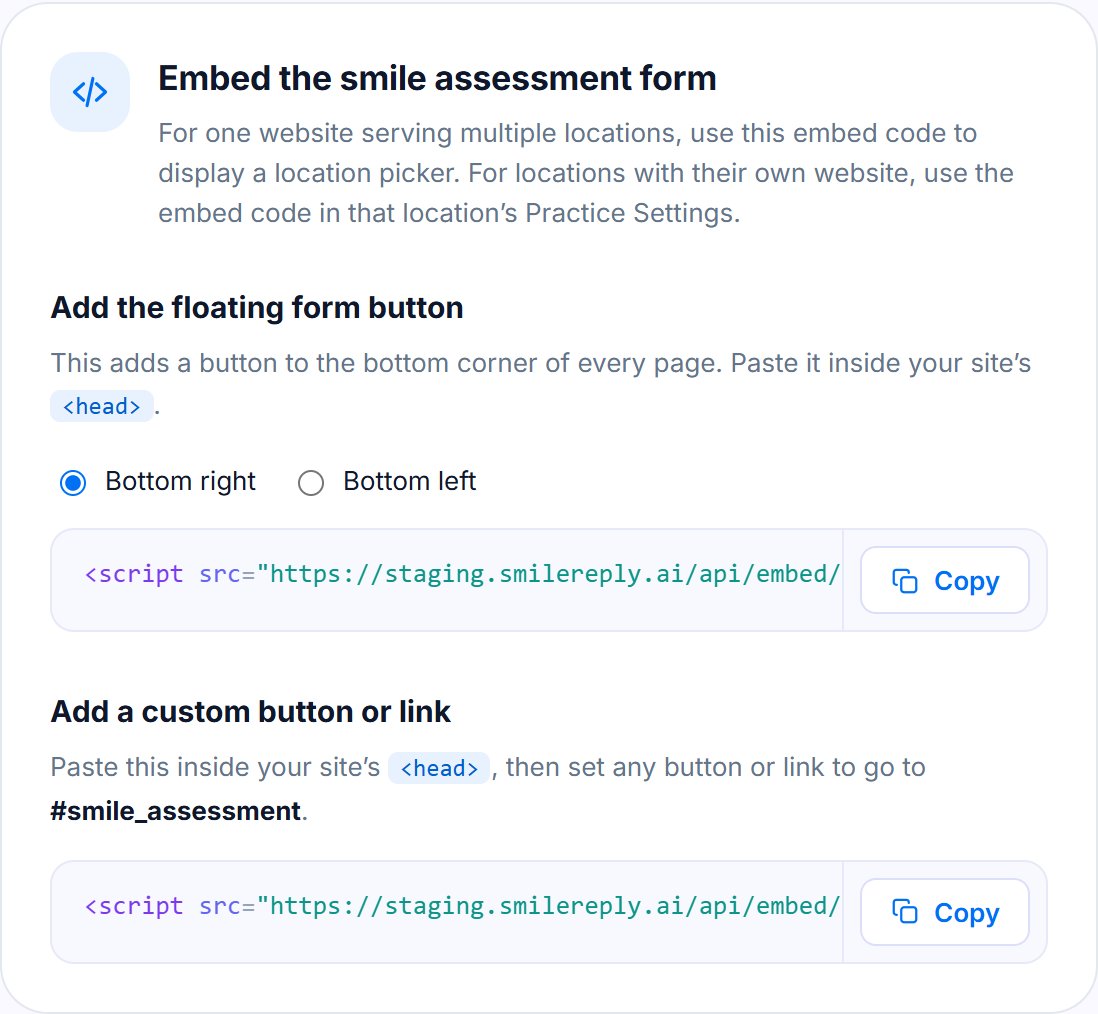
Get its code from Embed the smile assessment form in Group Settings.
A location's own form
Use it on a page for one clinic, or a clinic's own website. It doesn't ask, and every patient goes to that location.
Get its code from Embed the smile assessment form in that location's Practice Settings.
When to use both
Many groups use both:
- the group form on the home page and other shared pages, so the patient chooses their clinic;
- each location's form on that clinic's own page or landing pages, so its patients aren't asked.
Either form can appear as a button in the corner of your pages, or open from your own button or link. See Adding the smile assessment form to your website.
Where the patient goes
The patient goes to the location they chose, or the one whose form they used. If they chose the wrong one, move them to another location.
Message us from your dashboard and we’ll get back to you as soon as possible.